Bakcell App
Install now!


+
In order to activate the tariff, AZN will be deducted from your number's balance.
Congratulations
The operation completed successfully
Top up balance
Phone number
Transfer amount
₼
min.1 ₼ - max. 250 ₼
1 ₼5 ₼10 ₼
Congratulations
The operation completed successfully

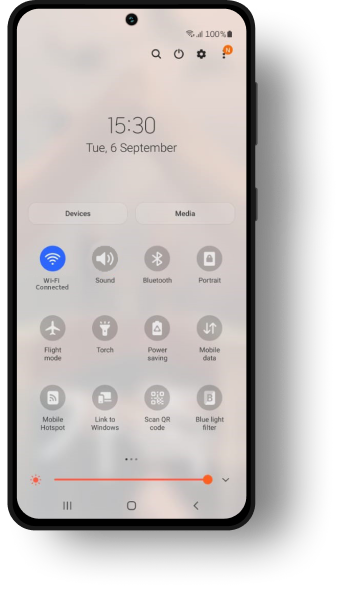
Step 1.
Make sure your device is connected to WiFi.
Step 2.
Go to the Settings
Step 3.
Select Connections
Step 4.
Select SIM card manage
Step 5.
Select Add mobile plan
Step 6.
Select Scan Carrier QR code
Step Manual
Enter SM-DP and Activation code
The list of eSIM compatible mobile devices